
Introducing the Functions of Open Frame Monitors
Open Frame Monitor Types
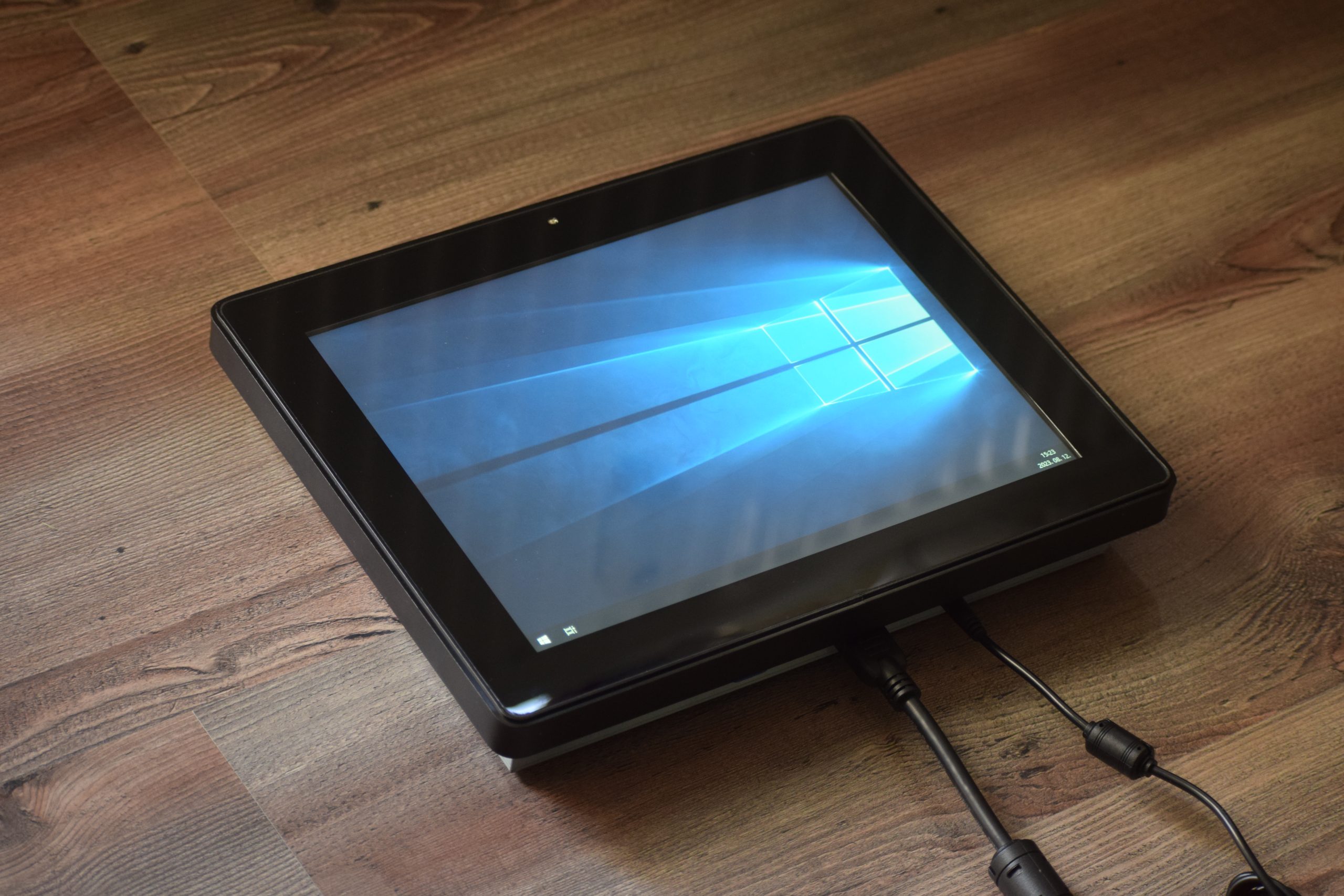
Our open frame monitor product line is available in sizes from 8" to 55", with projective capacitive (PCAP) and resistive (RES) touch screens.
Projective capacitive monitors have 10-point touch, while resistive versions have a single-point touch.
Projective capacitive models have a glass front, and can be touched by hand, with thin latex gloves, and with a suitable stylus.
Resistive versions have a thin, highly transparent and wear-resistant film, and can be touched with any device.
Projective capacitive monitors have 10-point touch, while resistive versions have a single-point touch.
Projective capacitive models have a glass front, and can be touched by hand, with thin latex gloves, and with a suitable stylus.
Resistive versions have a thin, highly transparent and wear-resistant film, and can be touched with any device.
Versatile Use
We offer our open frame monitor product line, with normal brightness for indoor use, and high brightness monitor versions for outdoor use, the latter with a non-glare LCD panel, UV resistant coating, for 24/7 use.
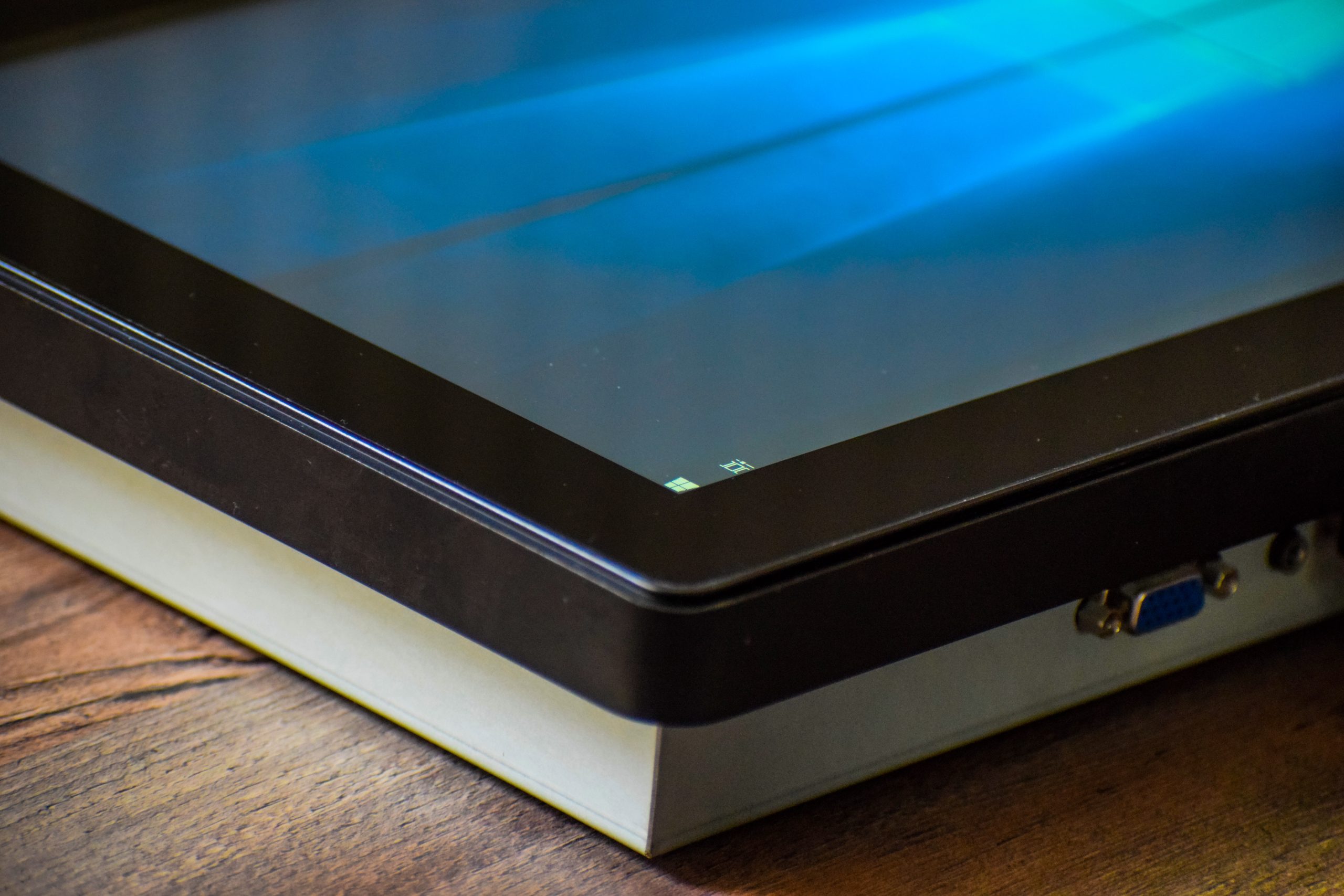
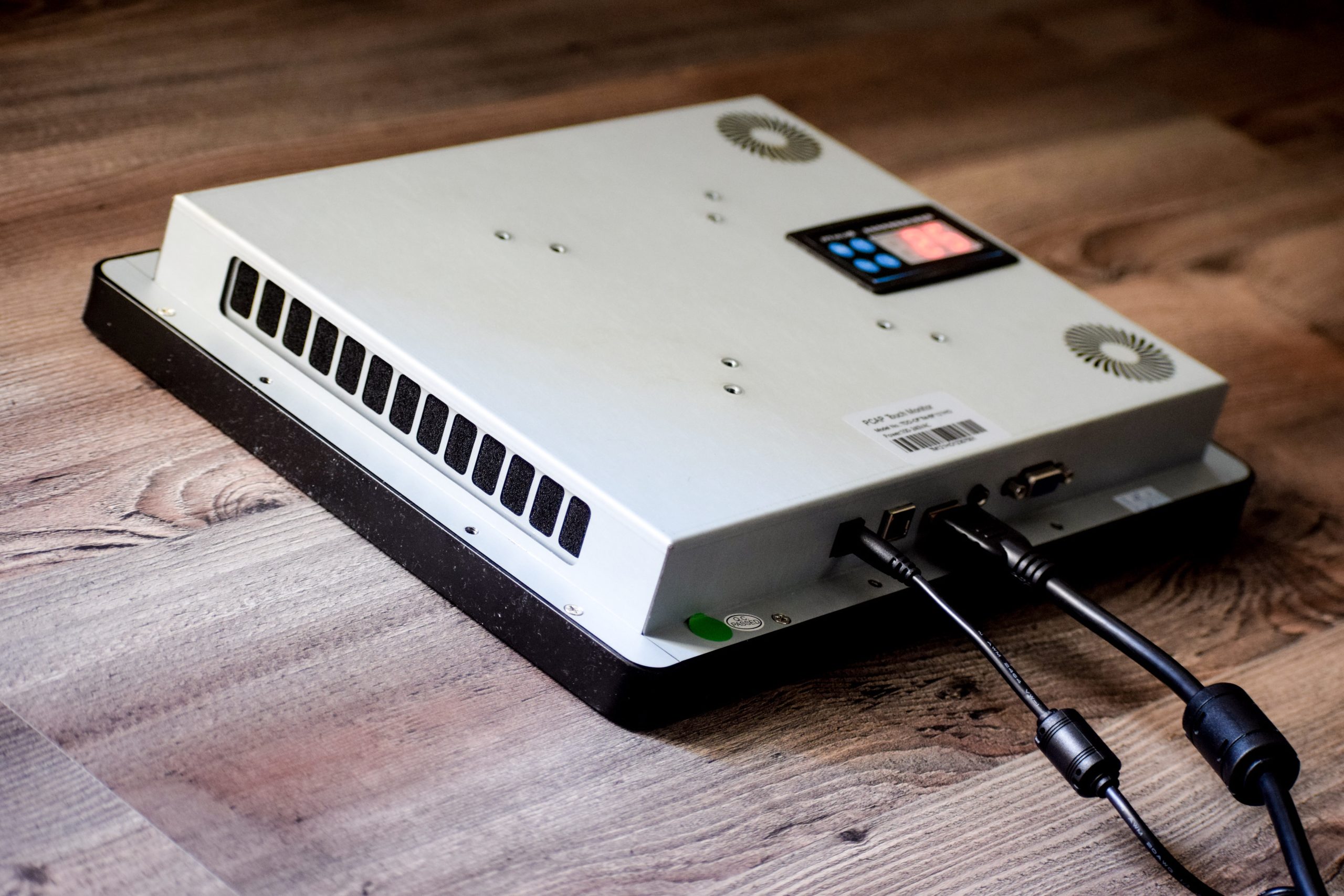
The open frame monitors have a VGA portal, an HDMI portal, and optionally a Display portal, and the touch function is implemented via a USB port. Our outdoor monitors have IP65 protection on the front, so with proper installation, dust and water protection is not a problem.
The open frame monitors have a VGA portal, an HDMI portal, and optionally a Display portal, and the touch function is implemented via a USB port. Our outdoor monitors have IP65 protection on the front, so with proper installation, dust and water protection is not a problem.
Further Improved Internal Cooling Control
In outdoor applications, it is very important to ensure the correct temperature in an outdoor industrial terminal or inside a kiosk.
High-brightness, open frame monitors generate more heat, so compensating for this is important for continuous, safe operation.
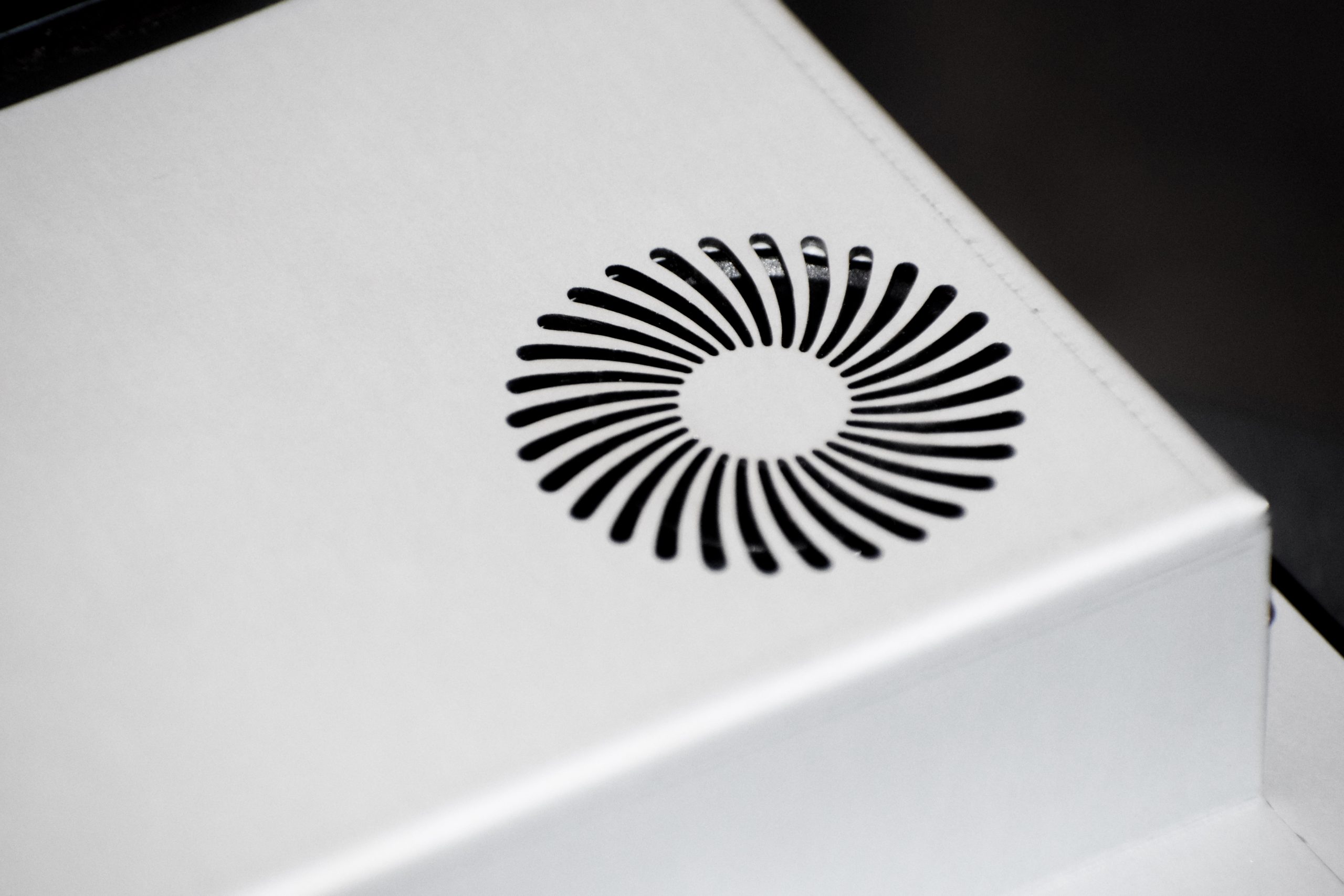
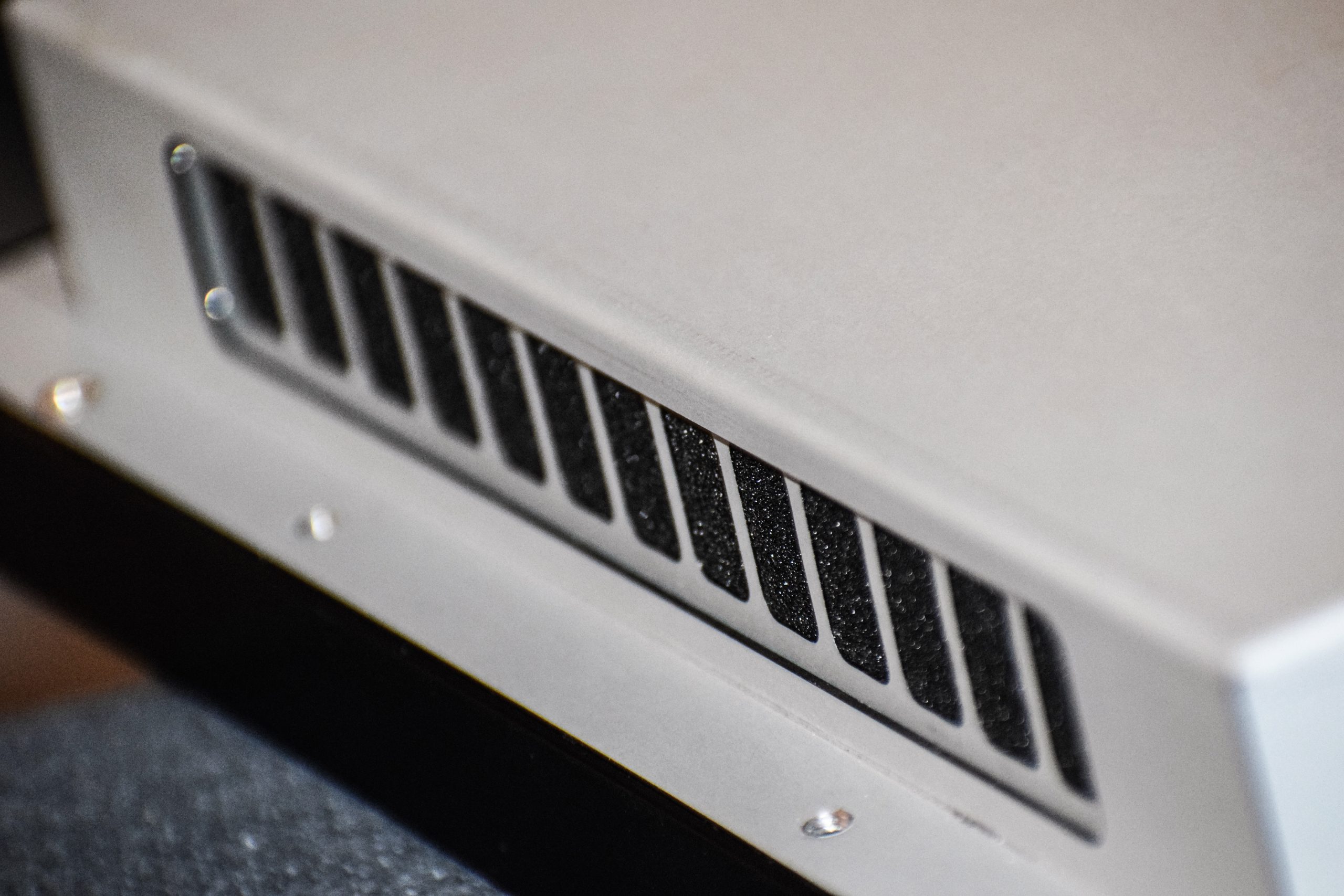
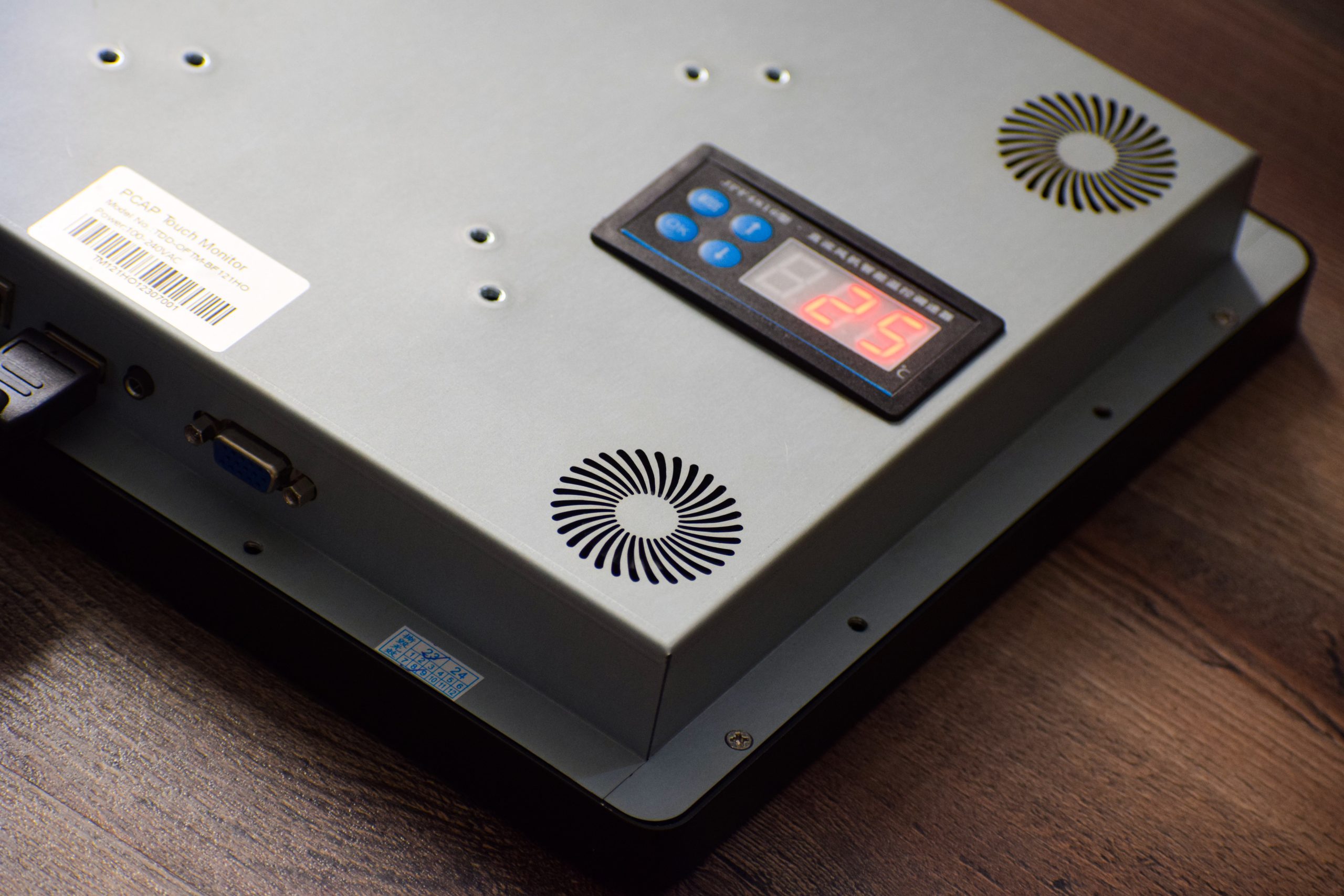
To solve this, open frame industrial monitors have a temperature sensor and an automatic cooling function. The fan heating is easy to set using the buttons on the back of the monitor. You can set the upper temperature of the cooling function when the cooling is turned on, and the lower temperature of the cooling function, to which the monitor must be cooled back.
In addition, you can set the speed of the fans, as well as a basic fan heating and.
To solve this, open frame industrial monitors have a temperature sensor and an automatic cooling function. The fan heating is easy to set using the buttons on the back of the monitor. You can set the upper temperature of the cooling function when the cooling is turned on, and the lower temperature of the cooling function, to which the monitor must be cooled back.
In addition, you can set the speed of the fans, as well as a basic fan heating and.
Installing Open Frame Monitors
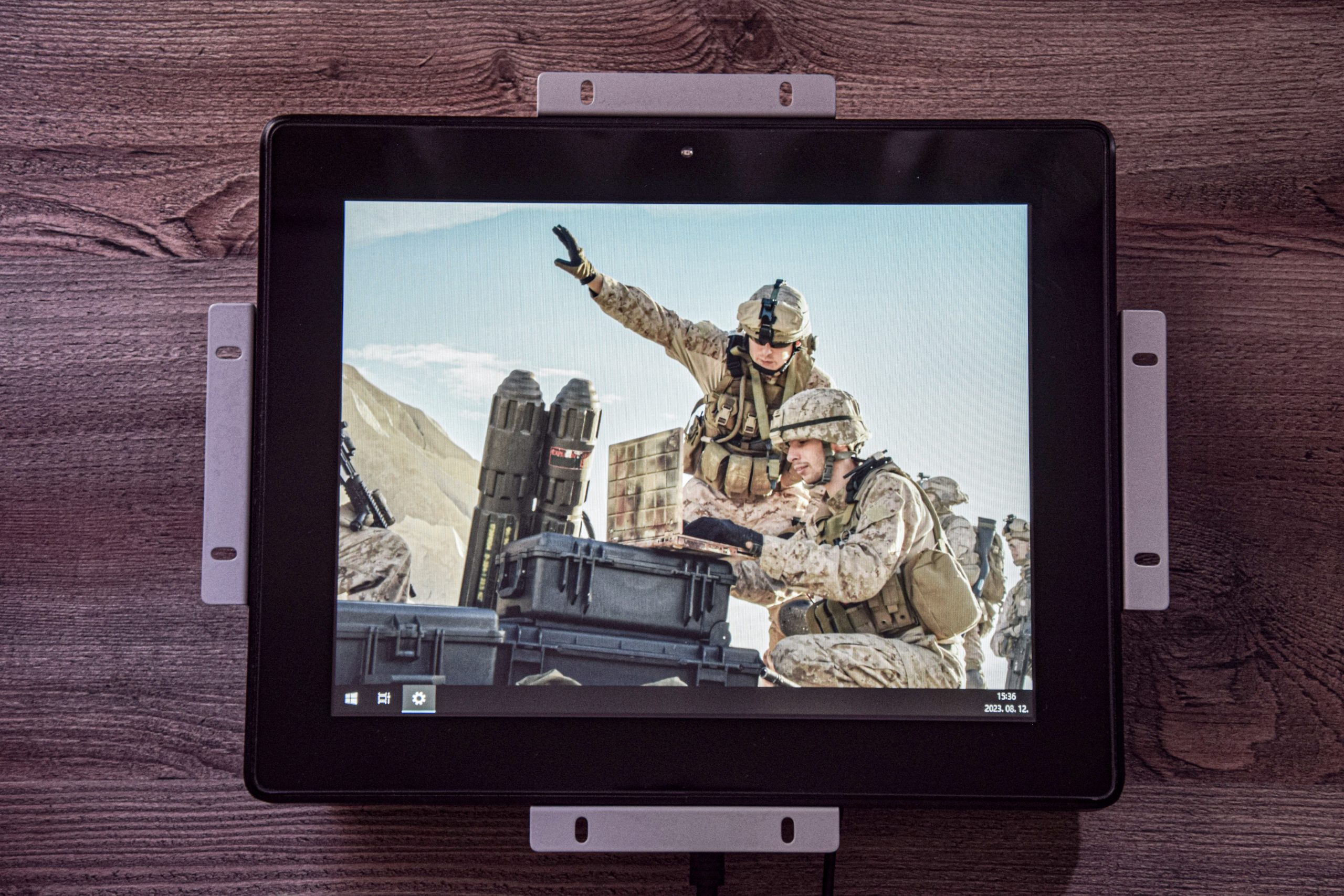
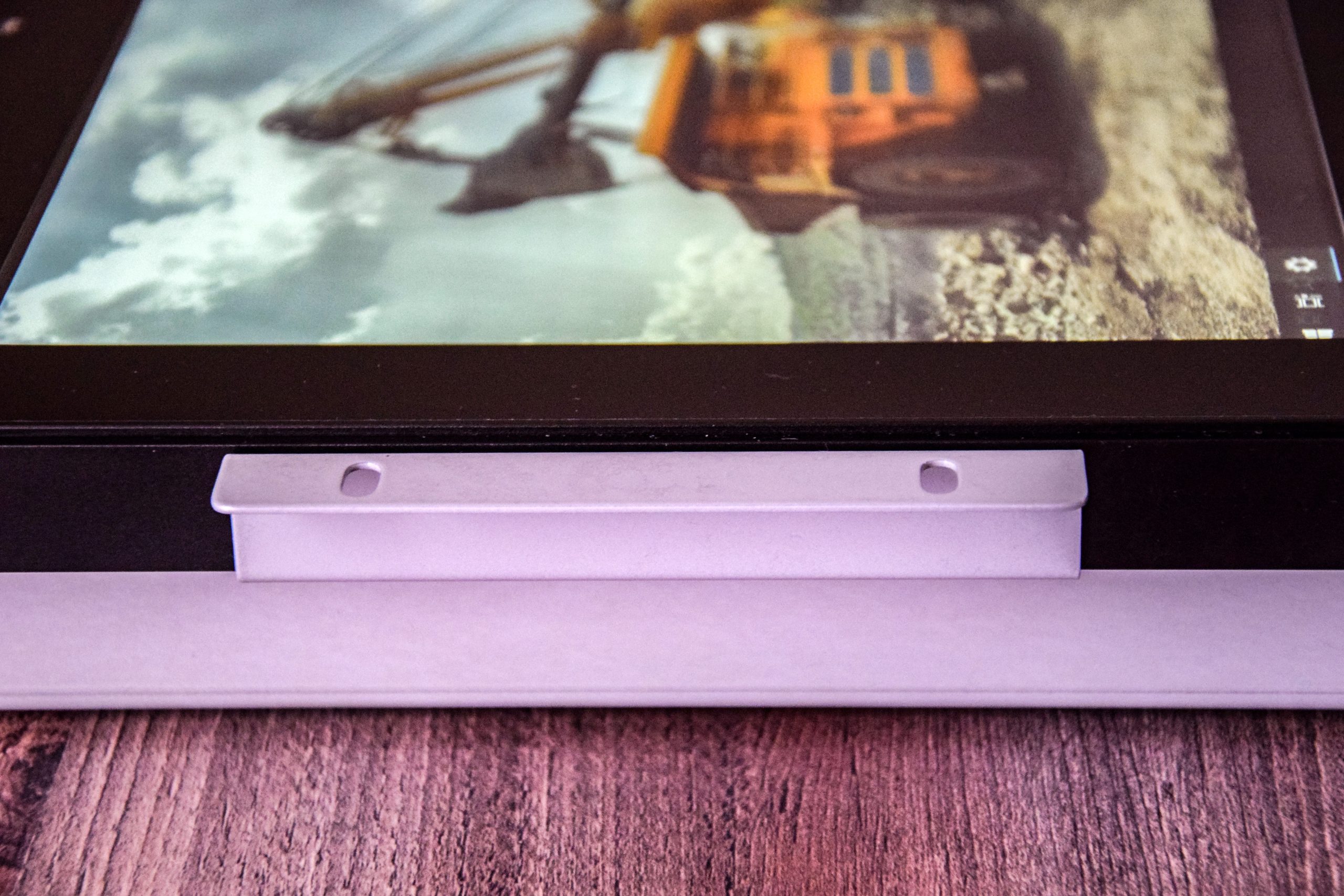
Open frame monitors are specially built-in monitors that can be installed from the inside of the cutout to the outside, using the mounting brackets included with the monitor. Therefore, it is necessary to create a cutout of the exact right size and to ensure internal screw fastening.
Optimal Brightness Control
Thanks to the built-in light sensor, our open frame monitor will always operate at the most optimal brightness. In bright sunlight, the backlight brightness is higher, while in darker ambient light, the backlight is also lower. This is especially important for industrial vehicle use, for example, on-board displays, where it is important that the driver of the vehicle is not disturbed in any way by the display placed nearby. The brightness control is fine, in stages, which is imperceptible to the viewer. Of course, the automatic mode can be turned off in the monitor's OSD menu, in which case the brightness can be adjusted manually.
Optical Bonding
Optical bonding, or optical bonding, is a process used to create a direct bond between displays and bezels.
This technology is designed to improve the display of outdoor displays, especially in bright sunlight or high light conditions.
Optical bonding uses a transparent, epoxy- or silicone-based adhesive between the display and the bezel.
This transparent material fills the gap between the two surfaces and eliminates the ingress of air or other materials.
As a result, the image displayed on the display is sharper, the contrast is higher, and the reflection is reduced.
Numerous Accessories
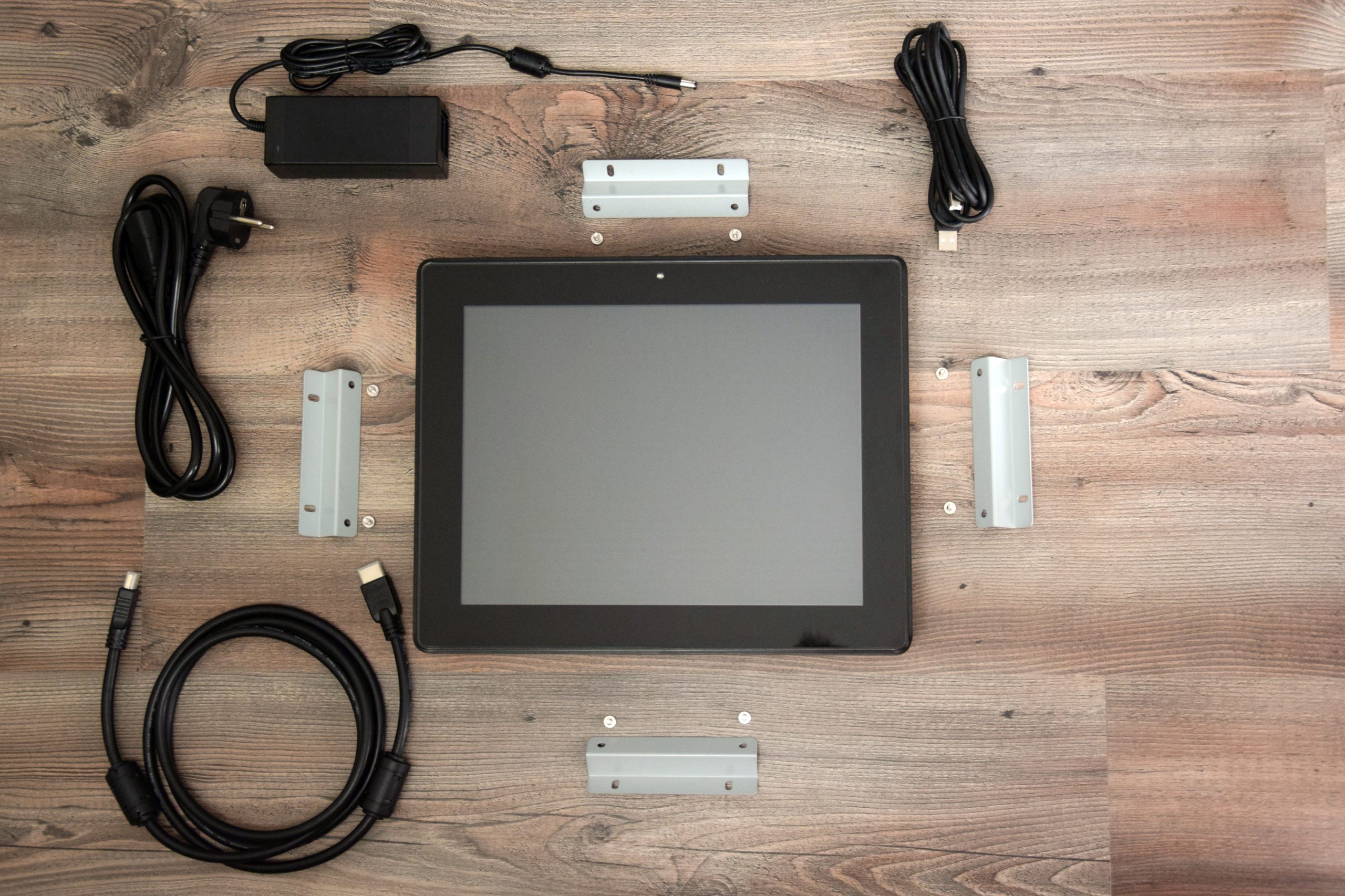
Open frame monitors come with many accessories, such as a 12-volt external plastic-encased power supply with 230-volt power cable, a mounting frame with screws, an HDMI cable, and a USB cable for the touch function.