




Description
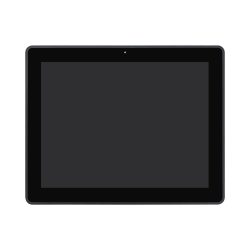
Outdoor Industrial MonitorsOur outdoor touch screen monitor product line is available in sizes from 7" to 43", with projective capacitive (PCAP) and resistive (RES) touch screens. The projective capacitive type monitors work with 10 points of touch, the resistive versions work with a single point of touch. The projective capacitive types are equipped with a glass front, the touch can be done by hand, with thin latex gloves, and with a suitable Stylus. The resistive versions have a thin, highly transparent and wear-resistant film, the touch can be done with any device.

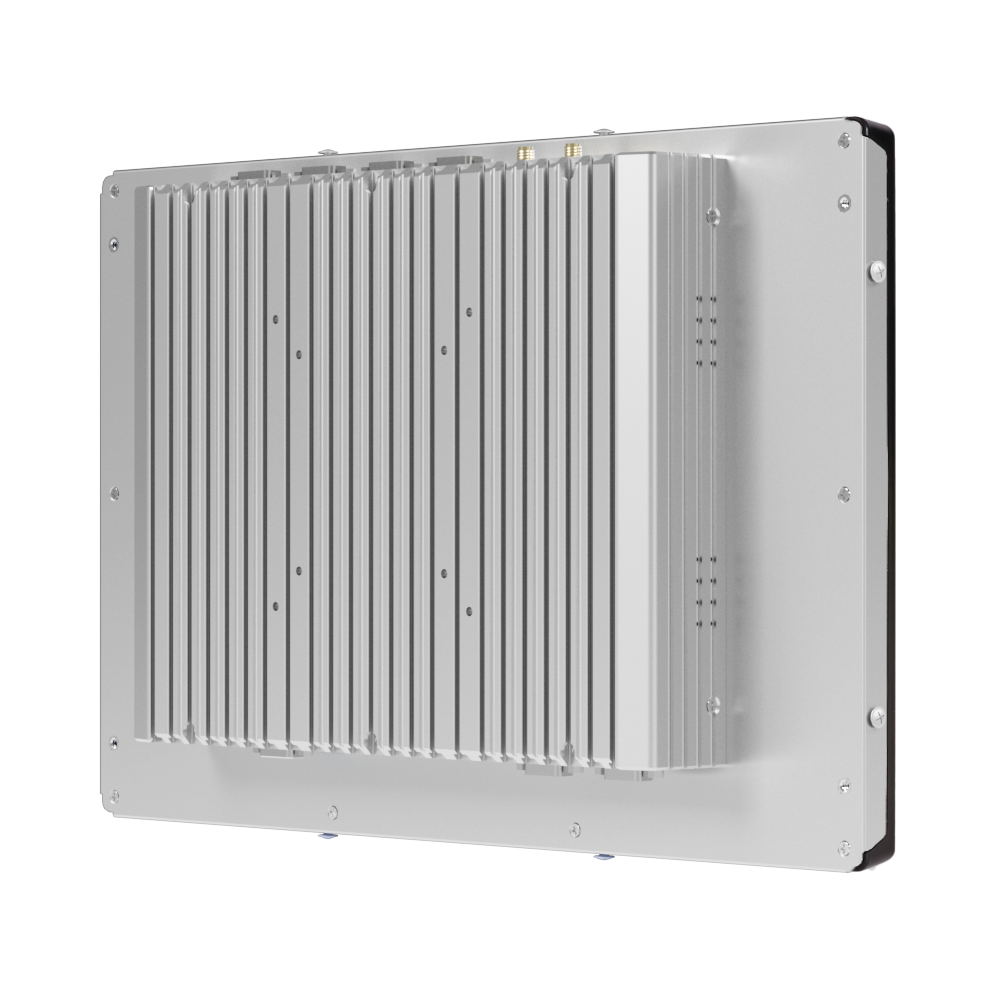
Numerous installation methods:Our industrial touchscreen monitors can be installed from the front (front mount) or from the rear (rear mount / open frame) into the appropriate sized cutout. VESA mounting is available on all models, so they can also be mounted on a wall bracket.
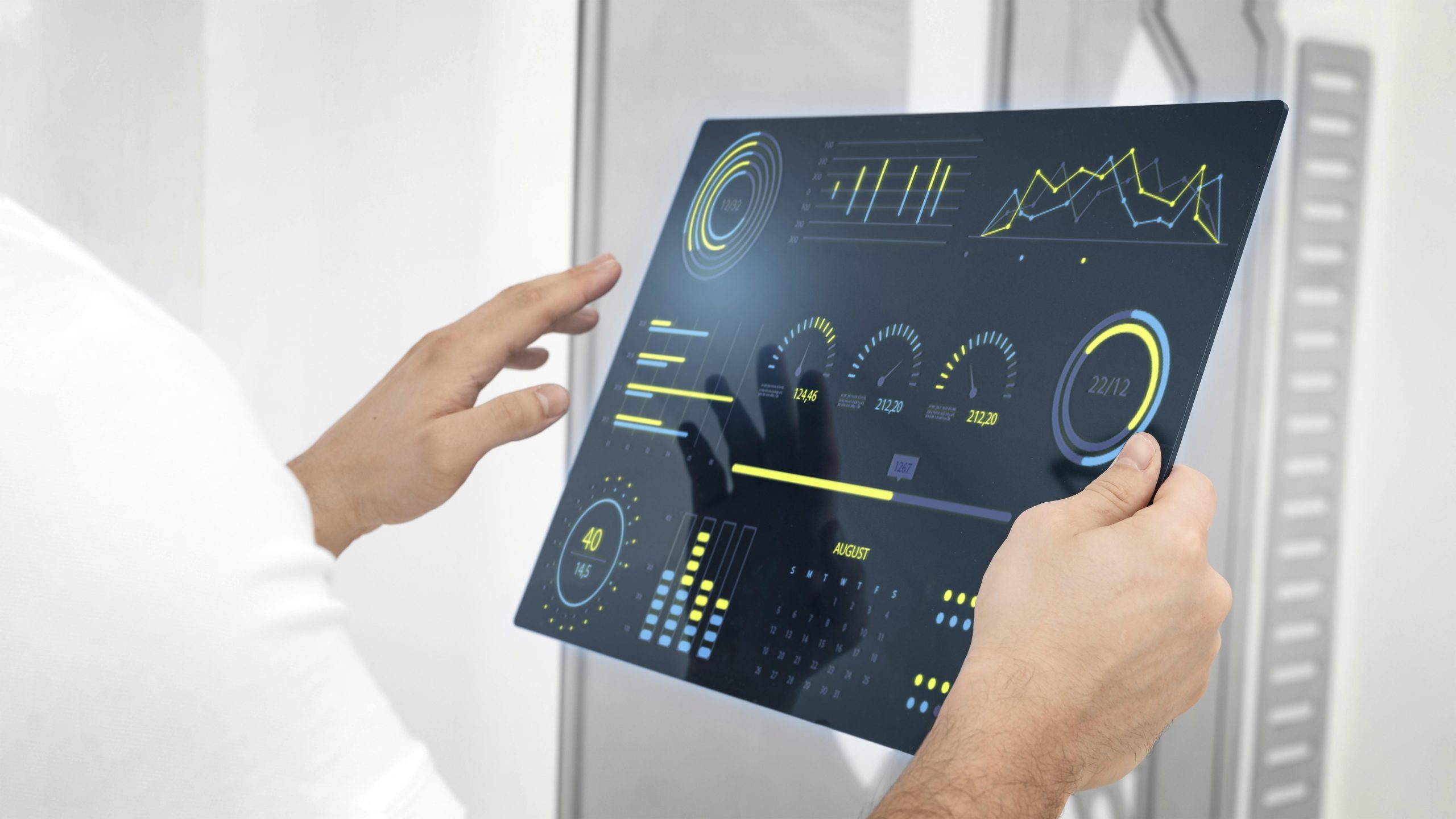
Wide application possibilities:Our industrial touch screen monitor products are excellently applicable in Kiosks, self-service info terminals, touch screen kiosks, interactive digital signage, custom displays, parking equipment, payment machines, surveillance systems, electric vehicle charging stations, gas station filling machines, ticketing machines, vending machines, ATMs, CDMs, payment and banking systems, entertainment machines, industrial terminals, points of sale (POS), access control terminals, medical equipment, information and transportation kiosks, and Industrial Automation areas.
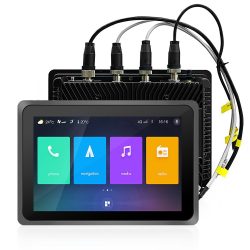
Versatile UseWe recommend our outdoor monitor product line, for outdoor use, in a high brightness design, with a non-glare LCD panel, UV resistant coating, for 24/7 use, all year round. The monitors have a VGA portal, HDMI portal and optionally a Display portal, and the touch function is implemented via a USB port. Our outdoor monitors have IP67 protection on the front, so with proper installation, dust and water protection is not a problem.
Further Improved Internal Cooling ControlIn the case of outdoor applications, it is very important to ensure the right temperature in an outdoor industrial terminal or inside a kiosk. High brightness, open frame monitors generate more heat, so compensating for this is important for continuous, safe operation. To solve this, the outdoor monitors have a temperature sensor and an automatic cooling function. Setting the fan heating is easy, using the buttons on the back of the monitor. You can set the upper temperature of the cooling function when the cooling is turned on, and the lower temperature of the cooling function, to which the monitor must be cooled back. In addition, you can set the speed of the fans, as well as a basic fan heating and.
Optimal Brightness ControlThanks to the built-in light sensor, the outdoor monitor will always operate with the most optimal brightness in all lighting conditions. In strong sunlight, the brightness of the backlight is higher, while in darker ambient light, the backlight is also lower. This plays an important role especially in industrial vehicle applications, for example in on-board displays, where it is important that the driver of the vehicle is not disturbed in any way by the display placed nearby. Brightness control is done in fine, gradual steps that are imperceptible to the viewer. Of course, the automatic mode can be turned off in the monitor's OSD menu, in which case the brightness can be adjusted manually.
Optical Bonding
Optical bonding, or optical bonding, is a process used to create a direct bond between displays and bezels. This technology is designed to improve the display of outdoor displays, especially in bright sunlight or high light conditions. Optical bonding uses a transparent, epoxy or silicone-based adhesive between the display and the bezel. This transparent material fills the gap between the two surfaces and eliminates the ingress of air or other substances. As a result, the image displayed on the display is sharper, the contrast is higher, and the reflection is reduced.
Numerous AccessoriesThere are many accessories for outdoor monitors